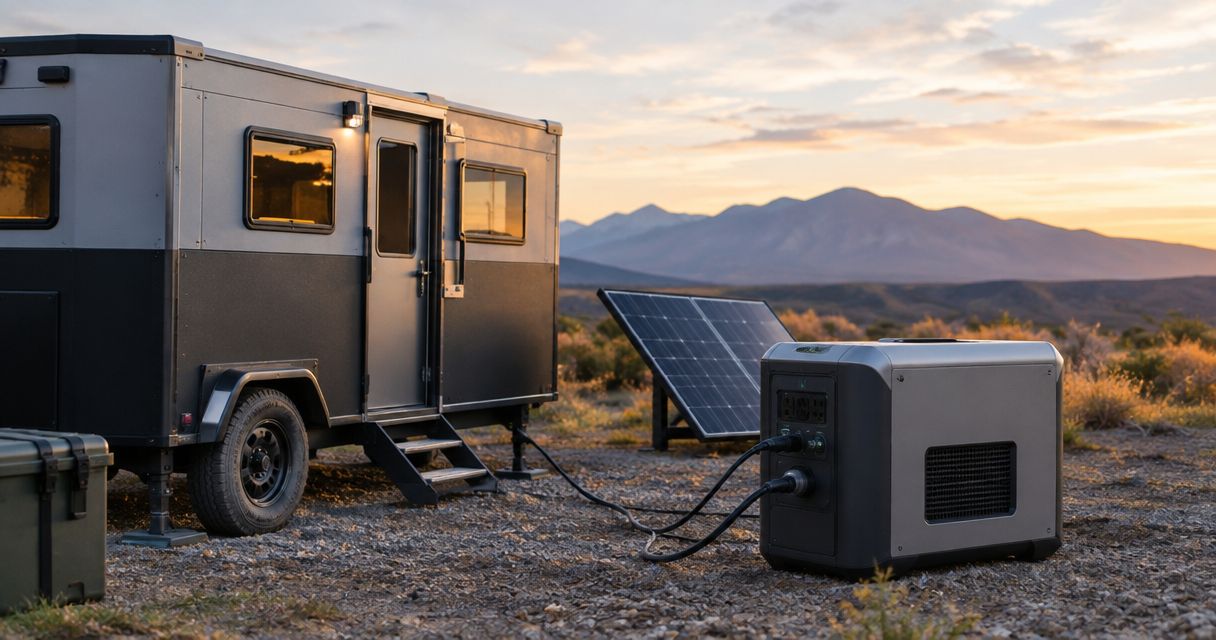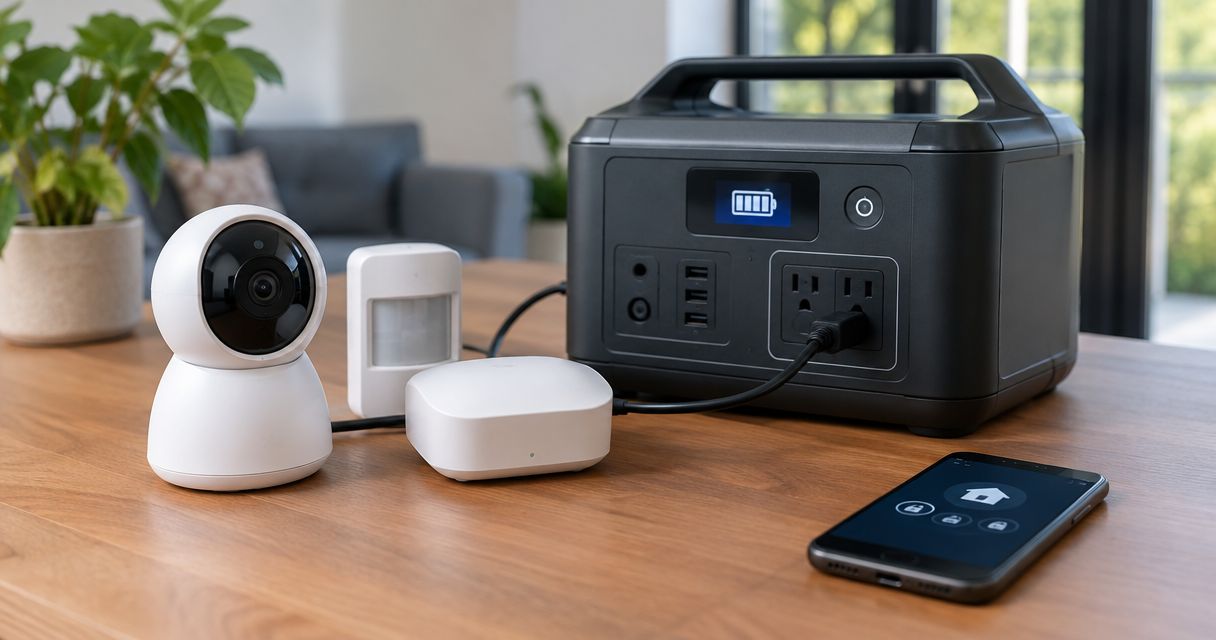
Instead of manually moving plugs when the lights go out, connect your home security system to backup power through a compatible uninterruptible power supply (UPS), keeping the alarm equipment and its communication path powered together. Use a licensed electrician for hardwired changes or generator connections; keep the security equipment’s approved internal battery in service where fitted.
- To connect home security system to backup power, protect the alarm equipment and its communication path together.
- A UPS supports compatible plug-in equipment; an alarm battery does not automatically power your router or cameras.
- Eagle Electric provides licensed residential electrical services for homeowners needing help with backup-power wiring.
- Test alarm reporting, camera recording, and power restoration—not just whether an indicator stays lit.
Why this matters
A working alarm panel does not prove your whole security system works during an outage. The panel might have a battery while the router, camera recorder, or internet terminal loses power immediately.
Back up the entire path from detection to notification. That means identifying what senses the event, what records it, and what sends the alert. For a 2026 backup-power plan, start with that equipment list—not a generator size.
Eagle Electric is best for Watford City homeowners who need licensed electrical work for residential backup power. Its electrical services cover residential work; your security provider remains the source for alarm programming and monitoring requirements.
Before you start
- Gather the alarm, camera, recorder, network, and UPS manuals. You also need access to the equipment, its power labels, and your security account if alerts or monitoring settings require review.
- Contact your monitoring provider before disconnecting power or opening equipment. Follow its test procedure so a planned check does not trigger an unnecessary response. Do not alter smoke, carbon monoxide, or other life-safety equipment through this guide.
- Find the hidden dependency: your router can stay on while a separate internet terminal, network switch, or wireless access point goes dark. Identify every powered device between the security equipment and the outside connection before buying anything.
Do not remove electrical-panel covers, open hardwired junction boxes, or modify alarm battery wiring. Stop if you find damaged cords, heat damage, moisture, or an unidentified power supply. Those conditions need professional attention before backup power gets added.
Equipment map
Identify the security loads
- List the alarm panel or hub, cameras, recorder, doorbell equipment, and any separate communication module. Mark which devices have manufacturer-approved internal batteries.
- Trace each device’s normal power source without opening electrical enclosures. Record whether it uses a plug-in adapter, a receptacle, a network cable carrying power, or hardwired supply wiring.
- List the network equipment required for remote access. Include the modem or internet terminal, router, and any switch or access point the security equipment actually uses.
- Separate essential security functions from extras. Decide whether your priority is alarm reporting, local video recording, remote viewing, or all three.
Expected result: you have a written equipment list with no unexplained power connections. Each required function has a complete power path beside it.
A camera powered through Ethernet depends on the equipment supplying that power. Backing up the recorder alone will not help if a separate powered network switch shuts off. Likewise, a battery-powered camera can keep sensing while its unprotected network connection prevents remote viewing.
For your 2026 equipment inventory, record model numbers from the installed devices. Similar-looking adapters are not proof of electrical compatibility.
Backup-source selection
Match the source to the job
- Check the equipment manuals for acceptable power sources and operating conditions. U.S. household plug-in equipment commonly uses 120-volt, 60-hertz AC power, but the actual equipment label controls.
- Add the required loads using manufacturer input ratings or suitable measurements. Have a qualified person measure anything that cannot be checked safely with plug-in equipment.
- Check both the UPS watt limit and its volt-amp limit. Neither rating replaces the other. Include the recorder, network equipment, and powered cameras that depend on the same UPS.
- Use the UPS manufacturer’s runtime information for the intended load. Allow for battery aging and operating temperature. Do not assume the advertised maximum runtime applies to your equipment.
Expected result: the selected backup source supports the connected load, the equipment’s input requirements, and your stated outage goal.
| Backup option | Best for | Advantage | Limitation |
|---|---|---|---|
| Approved alarm battery | Maintaining supported alarm-panel functions | Works within the alarm’s intended battery arrangement | Does not automatically support separate cameras or network equipment |
| Plug-in UPS | Compatible alarm, recorder, and network equipment | Supplies battery power when utility power fails | Runtime depends on load, battery condition, and operating conditions |
| Generator-backed circuit | Longer outages involving several household loads | Supports equipment beyond the security system | Requires a safe connection arrangement; startup and transfer can interrupt power |
For short interruptions, a correctly sized UPS is the direct fit for compatible plug-in security equipment. For longer outages, a generator-backed circuit and a compatible UPS serve different jobs: the generator supplies sustained power, while the UPS bridges the interruption.
An internal alarm battery still has value in that arrangement. Keep it installed and maintained according to the alarm manufacturer’s instructions rather than treating the UPS as permission to remove it.
Plug-in power connections
Connect the protected equipment
- Place the UPS in a dry, ventilated location within its rated temperature range. Follow its clearance instructions. Do not put indoor equipment in an unheated garage unless its operating rating allows that location.
- Plug the UPS directly into a suitable grounded receptacle as its manufacturer directs. Do not defeat the ground pin or improvise an adapter arrangement.
- Charge the UPS according to its instructions before relying on it. Confirm that it reports normal operation without an overload or battery fault.
- Move the identified plug-in security and network loads to the UPS outlets that provide battery backup. Some UPS outlets provide surge protection only; use the markings on your actual unit.
- Keep each device’s original approved power supply in place. Label the protected cords so another household member does not unplug the router to charge something else.
Expected result: every essential plug-in load receives normal power through a battery-backed outlet, and the UPS shows no fault or overload condition.
Do not splice a UPS into alarm wiring or substitute a loose battery for a listed power supply. Matching a connector’s shape does not establish the correct voltage, polarity, charging method, or protection.
The connection sequence is simple. The checks matter more than speed: identify the load, confirm compatibility, connect it correctly, and verify the result.
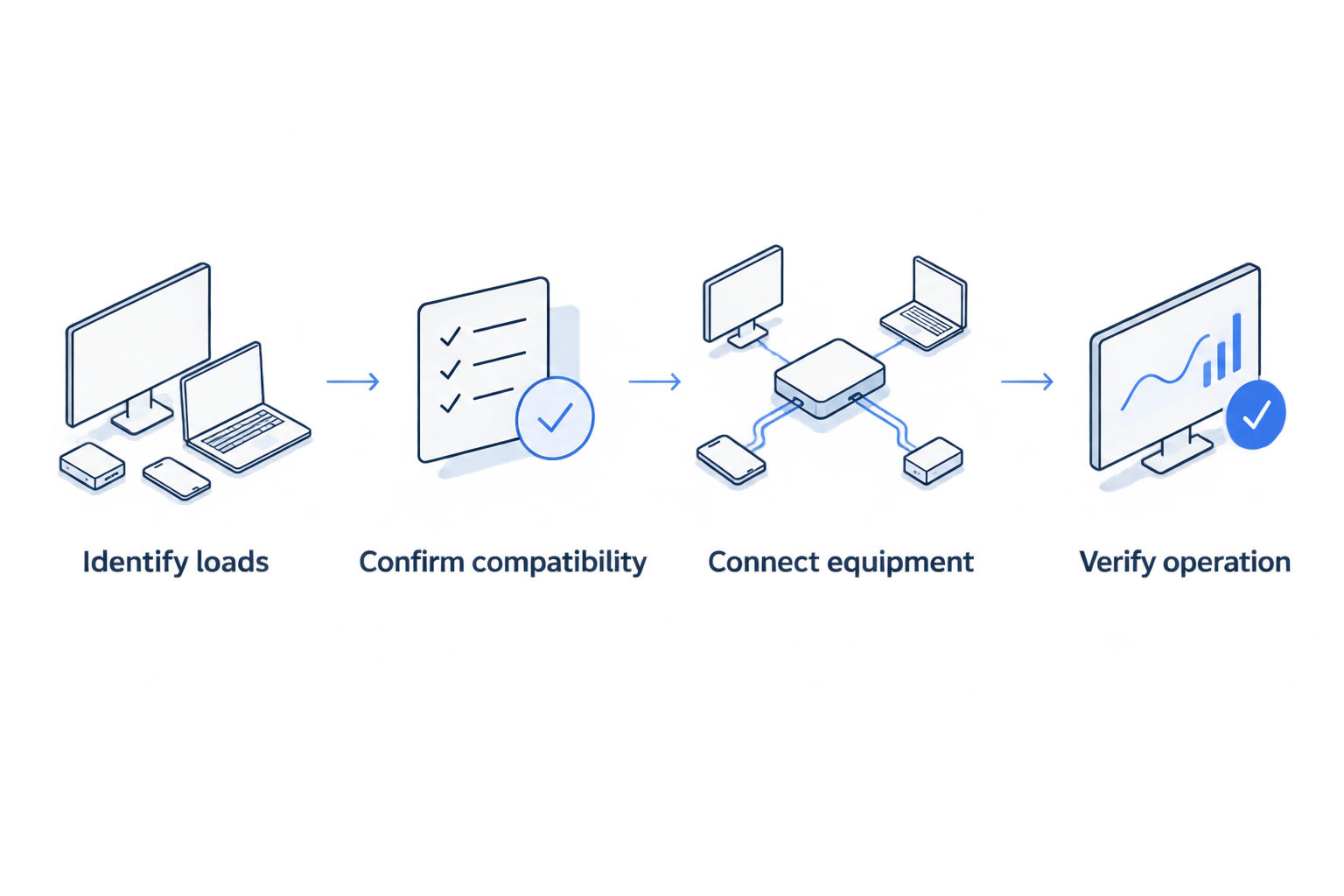
Use those same labels in your written checklist: Identify loads, Confirm compatibility, Connect equipment, and Verify operation. Keep the completed checklist with the equipment manuals so future changes do not leave a hidden load unprotected.
Outage verification
Test the complete security path
- Arrange the test with your monitoring provider and tell everyone in the house what will happen. Use the alarm manufacturer’s approved procedure for placing the system in test mode.
- Follow the UPS manufacturer’s approved power-failure test procedure. Do not open a panel, disconnect wiring, or improvise a test that defeats grounding.
- Confirm that the alarm equipment stays powered. Then verify the specific supported functions you depend on, including alarm reporting, local recording, and remote access.
- Check remote access using a phone’s cellular connection rather than the home Wi-Fi connection. A local view alone does not prove that traffic can reach the outside world.
- Restore normal power through the approved procedure. Confirm that equipment reconnects, recording continues, the UPS begins recharging, and the monitoring account leaves test mode.
Expected result: you have verified both the outage transition and the return to utility power. A lit screen alone is not a passing test.
Record the test date, connected equipment, and any fault messages in your 2026 maintenance log. If you measure runtime, record the actual connected load and test conditions with it. Do not drain batteries beyond the manufacturer’s test instructions just to find a stopping point.
Longer-outage variant: add a generator-backed circuit
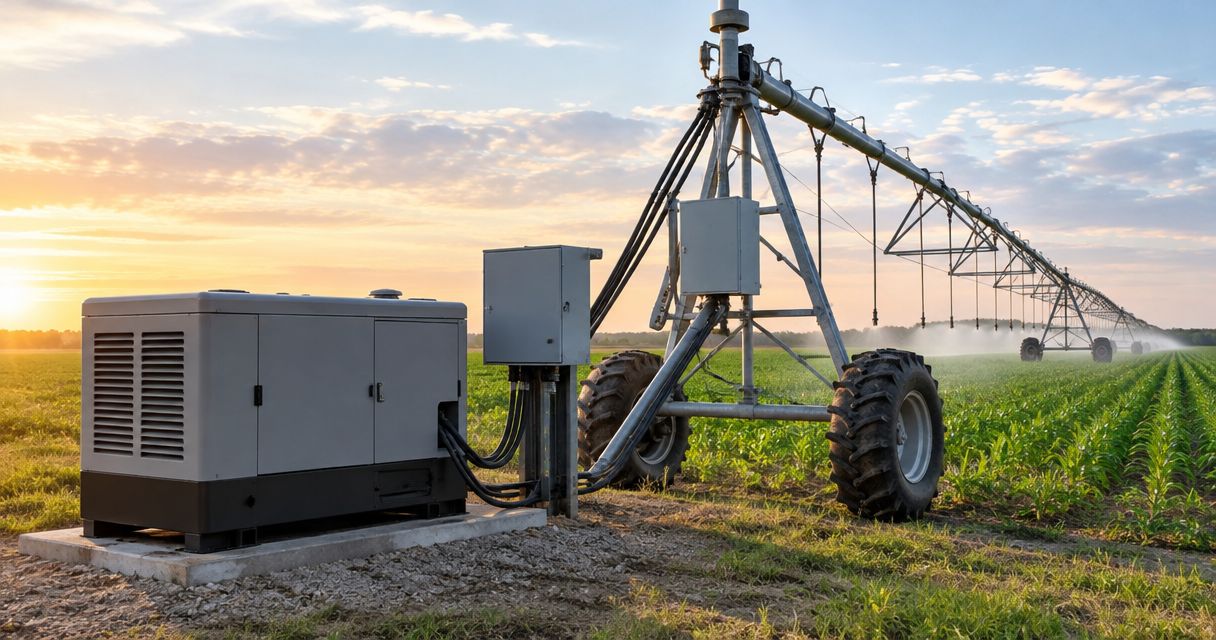
For extended outages, keep the compatible UPS arrangement and have a licensed electrician assess generator-backed power for its receptacle. The electrician must review the circuit, transfer equipment, generator capacity, grounding and bonding arrangement, and applicable installation requirements.
Never connect a generator to a household receptacle to feed the house. Backfeeding can energize wiring unexpectedly and endanger occupants and utility workers. A generator connection needs approved equipment that prevents an unsafe utility connection.
Portable generators must operate outdoors, at least 20 feet from the home, with exhaust directed away from doors, windows, and vents, consistent with CDC safety guidance. Never operate one in a garage, even with the door open.
Generator power does not guarantee UPS compatibility. Confirm the generator’s output characteristics against the UPS requirements, then test the installed combination under the intended load. Have the electrician address repeated transfers between generator power and battery operation.
For a 2026 generator project, ask Eagle Electric for a same-business-day response to your quote request and a clear written scope. Identify the security equipment, required circuits, and communication needs. A quote response is not a promise of same-day installation.
Request a backup-power quote
Ask for a same-business-day response and a clear written scope for the electrical work.
Troubleshooting
The alarm stays on, but phone alerts stop
Check power to the modem, internet terminal, router, and any required switch. Confirm the monitoring provider’s reporting status. A powered home network cannot restore an internet provider’s failed outside equipment; ask your security provider about supported alternate communication paths.
The cameras work, but recordings disappear
Check whether the recorder and any required storage or network equipment receive battery-backed power. Confirm that recording continues during the approved outage test. Live viewing and recorded footage are separate functions.
The UPS shuts off or reports an overload
Compare the connected load with both UPS output ratings. Remove unrelated loads through the normal shutdown procedure. If the problem remains, stop relying on the setup and have the equipment and battery condition checked.
The UPS keeps switching to battery on generator power
Check the manuals for generator compatibility and acceptable input conditions. Do not bypass protection or change sensitivity settings without manufacturer guidance. A licensed electrician should check generator output and the installation.
The alarm reports a battery fault afterward
Follow the alarm manufacturer’s recharge and diagnostic instructions. Do not silence the warning and assume protection has returned. A persistent fault needs the alarm service provider’s attention, especially where monitoring or life-safety functions are involved.
Customize your workflow
Extend backup power by function, not by adding every nearby plug. If remote viewing matters, include its network path. If local evidence matters, include the recorder and storage. Recheck UPS capacity whenever you add a camera or change network equipment.
Have Eagle Electric assess hardwired electrical changes on site. Have your alarm provider confirm monitoring behavior and approved batteries. Keeping those responsibilities clear prevents an electrical upgrade from leaving an unresolved alarm fault.
FAQ
What's the safest way to connect home security system to backup power?
Use a compatible UPS for approved plug-in equipment and keep the alarm’s specified internal battery in service. Have a licensed electrician handle hardwired changes and generator connections, and coordinate testing with your monitoring provider.
Does my alarm battery also power my Wi-Fi router?
An alarm battery does not automatically power a separate Wi-Fi router. The router and other required network equipment need their own supported backup supply.
Can I connect my security system directly to a generator?
Compatible plug-in equipment can use properly supplied generator power, but compatibility and connection safety must be checked first. A UPS can bridge startup and transfer interruptions; any connection to household wiring needs approved transfer equipment installed by a licensed electrician.
How long will a UPS run my alarm and cameras?
Runtime depends on the connected load, UPS battery capacity, battery condition, and operating temperature. Use the manufacturer’s runtime information for your load and verify operation through its approved test procedure.
Will security cameras record if the internet goes down?
Cameras with supported local recording can record without an outside internet connection when their required equipment remains powered. Cloud recording and remote viewing depend on an available communication path.
Can I replace the alarm battery with a bigger battery?
Use only battery types and capacities approved for the alarm system. Charging capability, enclosure space, electrical protection, and monitoring requirements limit acceptable replacements.
Who should handle a hardwired backup-power connection?
A licensed electrician should assess and install hardwired electrical changes. Eagle Electric provides residential electrical contracting in Watford City and the Bakken region; your security provider should handle alarm programming and monitoring questions.
One last thing
Test restoration, not just failure. A system that survives the outage but fails to reconnect afterward still leaves a gap. Before closing your 2026 checklist, confirm that alerts, recording, remote access, and battery charging return to normal.